


Poseidonwin Login
Poseidonwin login connects players to a complete casino platform in seconds — from thousands of online slots and live dealer tables to bonuses, payments, and account controls. We designed the sign-in system to be fast and straightforward so nothing stands between a player and the full Poseidon Win experience. Every account feature is accessible the moment credentials are confirmed.



Poseidonwin Registration Procedure
Creating a Poseidonwin casino account unlocks the complete game library, bonus eligibility, tournament access, and our VIP loyalty program. Registration requires only a valid email address and a secure password combining uppercase and lowercase letters with numbers and symbols. Players must confirm they are at least 18 years old before the form submits. We collect only essential information at signup — full name, date of birth, and address are added through the account dashboard afterward.
The verification process activates before the first withdrawal. Players submit a government-issued ID and proof of address through account settings, and approval completes within 48 hours in most cases. Completing verification unlocks full account functionality, including unrestricted withdrawals and raised transaction limits. Our Support Team guides players through each step via live chat, and multilingual support ensures clear communication regardless of the preferred language.
| Registration Benefit | Details |
| Game library access | Slots, live dealer tables, table games and instant titles |
| Bonus eligibility | Welcome package up to €1,500 + 250 Free Spins |
| Tournament entry | Prize pool competitions and real-time leaderboards |
| VIP program | Points accumulation and tier-based rewards |
| Fund management | Deposits and withdrawals via multiple payment methods |
| Support access | 24/7 live chat with the Support Team |
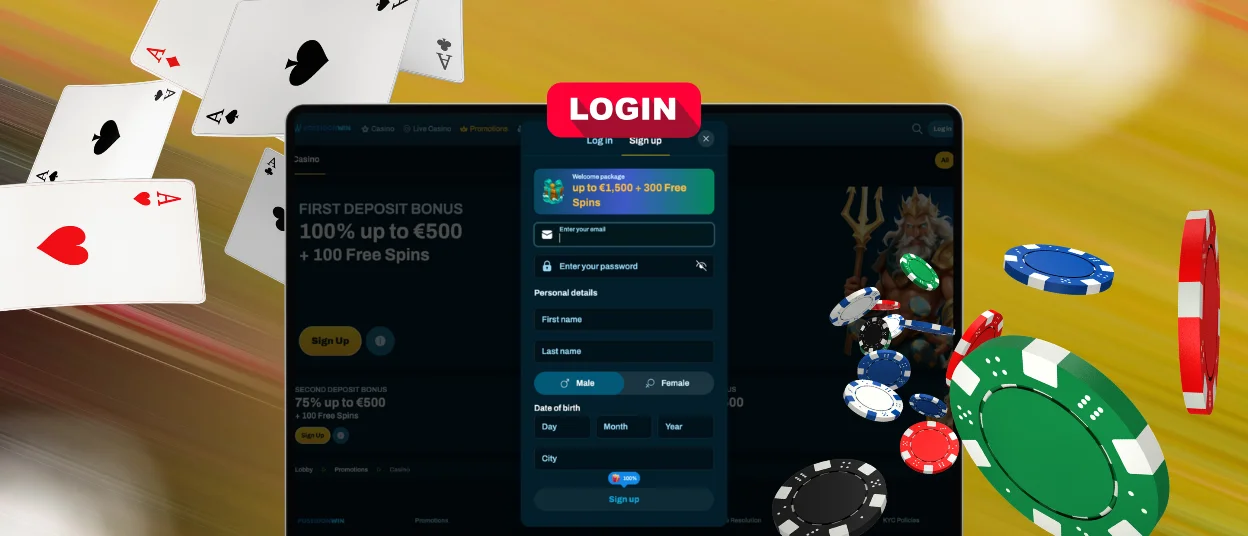
Poseidonwin Login Procedure
Accessing a Poseidon Win account takes under a minute from any device.
- Open the Poseidonwin homepage and locate the login area in the upper right corner.
- Enter the registered email address and password.
- Press the Login button to reach the personal dashboard.
The dashboard loads immediately with the current balance, active bonuses, transaction history, and responsible gaming controls displayed. From this central hub, players deposit funds, request withdrawals, activate promotions, and manage security settings. Two-factor authentication is available as an optional second verification step — enabling it takes under a minute and significantly reduces exposure to unauthorised access. For password recovery, the Forgot Password link on the Poseidonwin login page sends reset instructions to the registered email address within minutes.
Poseidon Win Mobile App Authorization
The Poseidonwin casino mobile app operates as a progressive web app installed directly from our website. Authorization on mobile follows the same process as desktop — registered email and password entered through the login field on the PWA interface. On supported iOS devices, Face ID and Touch ID integrate with the login flow, allowing biometric confirmation instead of manual credential entry. Android users benefit from secure session tokens that persist between app launches, eliminating repeated logins during active sessions. The Support Team is reachable via live chat directly within the mobile interface for any access issues.
Session Management
Poseidonwin manages active sessions to protect account security across all devices. Session tokens expire automatically after periods of inactivity, requiring a fresh Poseidonwin login to continue. Players can review all active sessions from the security settings section of the account dashboard and terminate any session running on an unrecognised device immediately.
| Security Measure | Purpose |
| Automatic session expiry | Protects inactive accounts from unauthorised access |
| Active session overview | Shows all devices currently logged into the account |
| Manual session termination | Closes access on specific devices instantly |
| Two-factor authentication | Adds a second verification layer for each new login |
| Completed verification | Confirms identity and enables full account functionality |
If an account is temporarily restricted due to unusual login activity or an incomplete verification process, the Support Team resolves it through live chat. Restrictions clear once identity is confirmed and the relevant documentation is submitted through account settings.
FAQ
Can I log in to Poseidonwin from multiple devices at once?
Yes. The Poseidon Win platform supports simultaneous access from desktop browsers, tablets, and smartphones. Account data — including balance, active bonuses, and transaction history — syncs automatically across all active sessions. Players can monitor all open sessions in the security settings section and close any they do not recognise.
Why do I have to log in again after closing the browser?
Poseidonwin casino session tokens expire automatically when the browser closes, as a standard security measure. This prevents unauthorised access if the device is shared or unattended. Players who prefer persistent sessions on trusted personal devices can enable the relevant option during login. Two-factor authentication adds an additional layer of protection for accounts that use extended sessions.
How do I log out of Poseidonwin on all devices?
The active sessions section in account security settings lists every device currently connected to the account. Each session can be terminated individually, or all sessions can be closed simultaneously with a single action. After remote logout, the next Poseidonwin login from any device requires full credential entry. For assistance with session management or if access to the account is unavailable, our Support Team handles requests through live chat with multilingual support available at all hours.


